


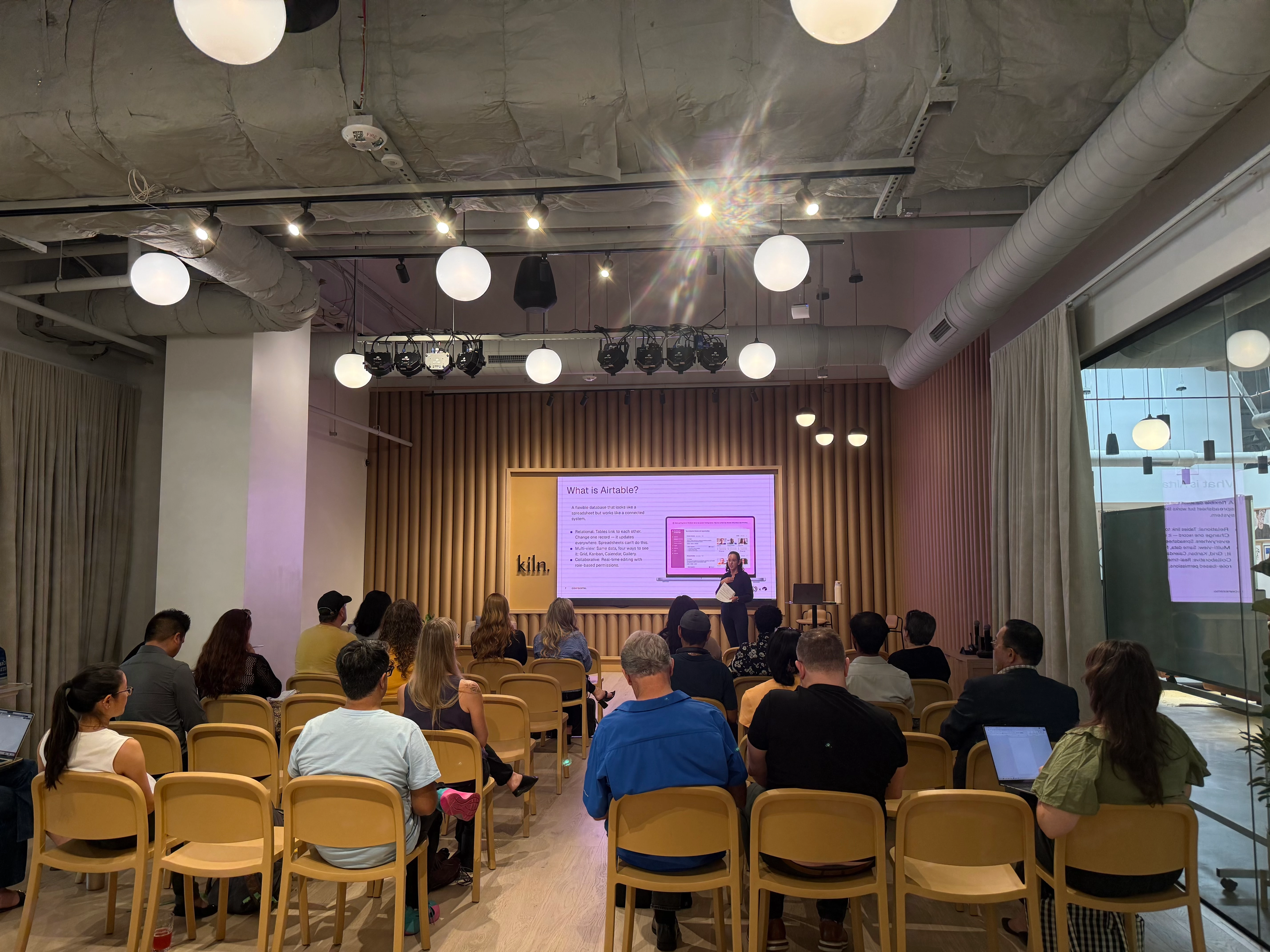
Thank you, San Diego Airtable community! 🎉
What a great turnout at Kiln Rancho Bernardo yesterday for From Scattered to Streamlined! Thank you all for coming out, and especially for asking questions and energy you brought to the room. It made for a genuinely great discussion, not just a presentation.
As promised, below is a prompt to build your own project management base.
Looking forward to the next event!
Here’s the prompt, ready to paste:
Create an Airtable base called "Project Management" with three linked tables and three interfaces.
TABLES
1. People
- Fields: Name, Role, Responsibilities (long text), Team/Department (single select), Email, Active Projects (linked to Projects), Tasks (linked to Tasks)
- Every record in Tasks and Projects should link back to a person here.
2. Projects
- Fields: Initiative Name, Status (single select: Moving / Stuck / Done), Deadline (date), Priority (single select: High / Medium / Low), Owner (linked to People), Team Members (linked to People, multiple), Tasks (linked to Tasks), % Tasks Complete (rollup from Tasks, counting tasks where Status = Done, formatted as percent)
3. Tasks
- Fields: Task Name, Project (linked to Projects), Assignee (linked to People), Status (single select: On Track / At Risk / Blocked / Done), Due Date (date), Notes (long text)
RELATIONSHIPS
Link all three tables via linked record fields: Tasks → Projects, Tasks → People, Projects → People. Use rollups/lookups so Projects shows task completion and People shows linked project and task counts.
VIEWS
On Tasks, create filtered views:
- "My Tasks" (filter: Assignee = current user, if supported, otherwise leave as a filter placeholder by Assignee)
- "At Risk" (filter: Status = At Risk or Blocked)
On Projects, create a filtered view:
- "Stuck Projects" (filter: Status = Stuck)
INTERFACES
1. People Dashboard
- Team directory layout showing each person's name, role, active projects (linked records), and open task count (count of linked Tasks where Status ≠ Done)
- Surface capacity by showing open task count prominently per person, so overloaded team members are visible at a glance
2. Projects Dashboard
- Visual project tracker showing Status, Owner, Deadline, and Priority for each project
- Include a List view, a Kanban view (grouped by Status), and a Calendar view (by Deadline)
- Make it drillable — clicking a project opens a detail view with its linked tasks and team members
3. Progress Dashboard
- Executive status view designed to replace a status meeting
- Color-code by Status (green = On Track/Done, yellow = At Risk/Stuck, red = Blocked)
- Include progress bars for % Tasks Complete per project
- Include a List view, a Kanban view (grouped by Status), and a Calendar view (by Deadline)
