Question

Creative Team Workflow

  • Sep 17, 2026 7:31 PM UTC
  • 4 replies
  • 124 views

sara.fix
Forum|alt.badge.img

Hi, I am a project manager for a creative team of 11 people (designers, videographers, editors, and strategists) working on an in-house marketing team. We currently use Airtable  to track our work- using a job input form to collect project details, and project status fields to keep track of our work. We use a separate program for our internal creative reviews (Workzone). We are exploring what it would look like to move our entire process on to Airtable, ever since learning more about the proofing features, and portals- to work with freelancers. As we start to make a plan it would be sooo helpful to see a real life example of how other creative teams have organized their environment and workflow. I am looking for a video or screenshots of a REAL life example from a real creative team that is doing this already. How did you set up your resources and attachments? How do you collaborate/comment/review? Would love to see some ideas to help my team get excited about what is possible.

4 replies

Jordan_Fountain
Forum|alt.badge.img+4
  • Participating Frequently
  • Sep 17, 2026 9:42 PM UTC

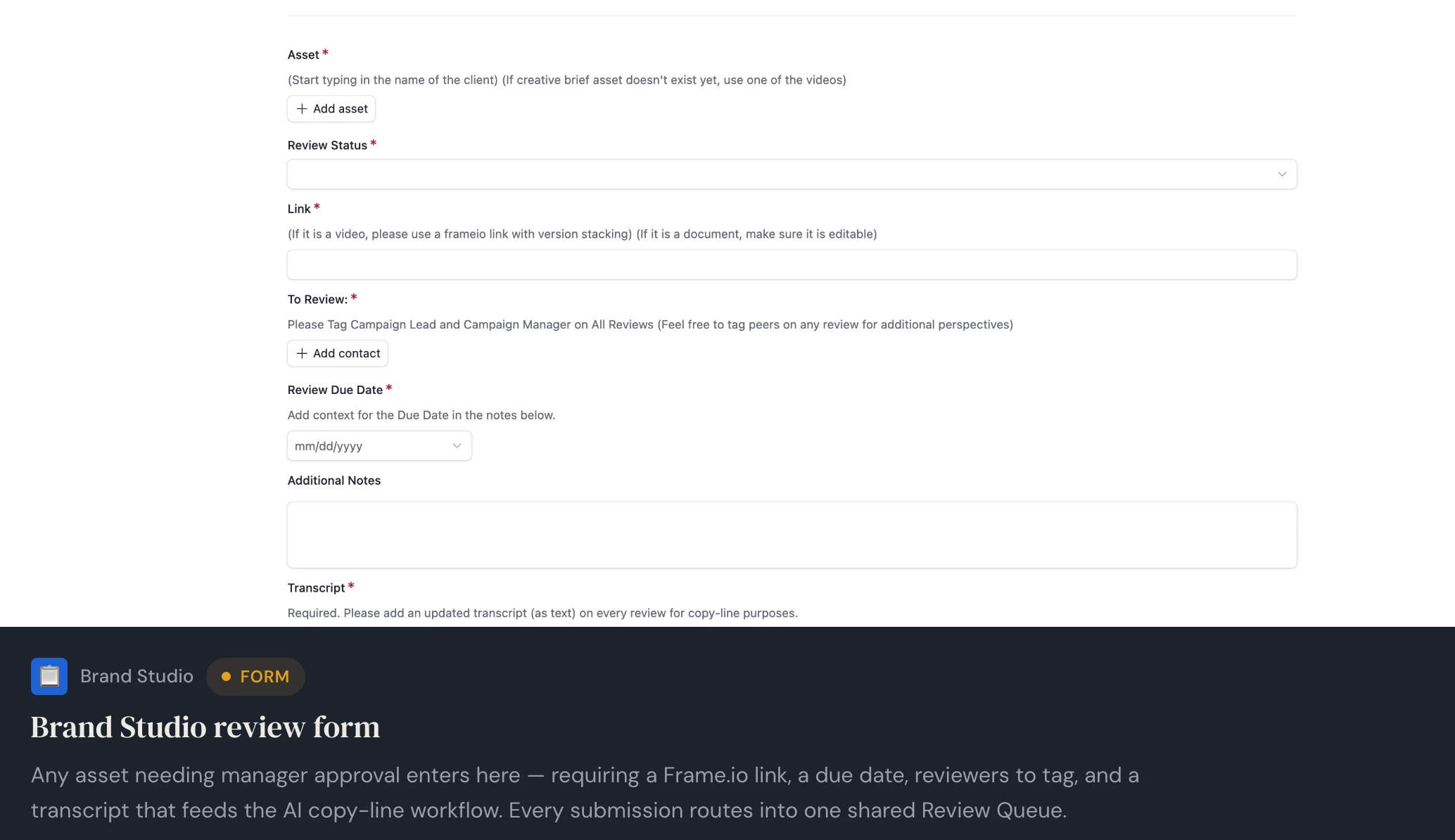
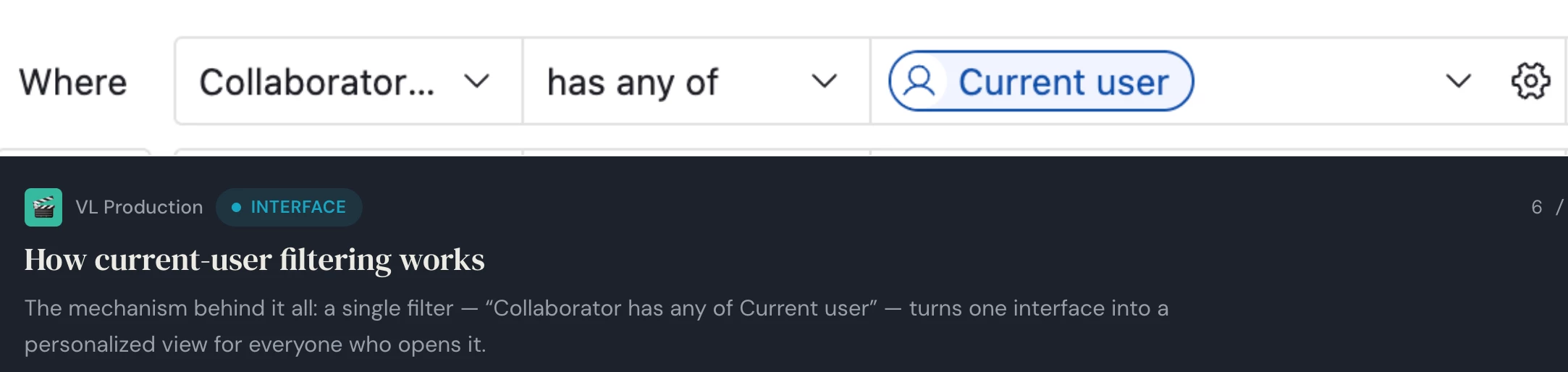
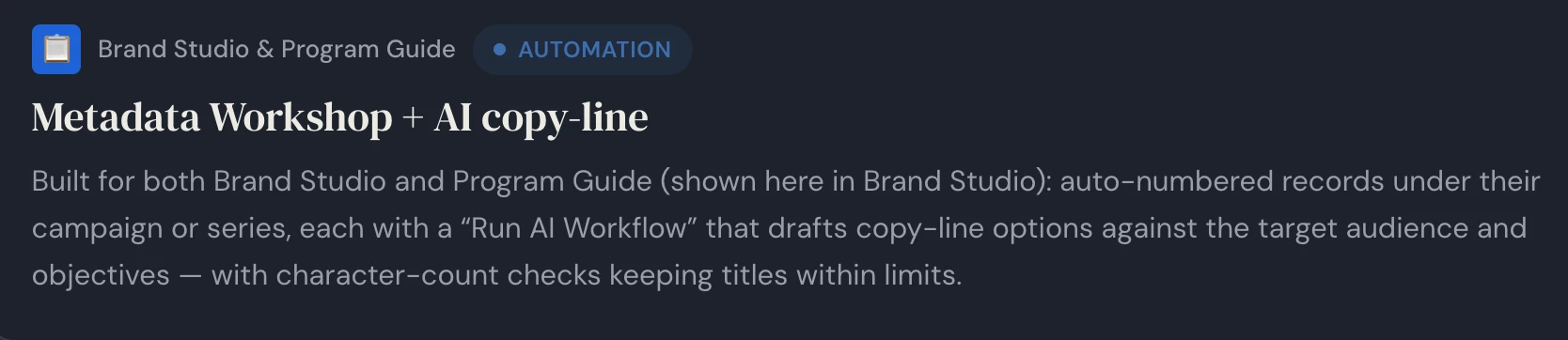
We use Airtable as the source of truth for our creative workflows at Very Local - Hearst Television. I can’t show screenshots of all the tables and interfaces since there is company data, but I’ve attached some screenshots of the less sensitive interfaces and workflows. All of our new campaign sales and reviews are form based. We use frameio for our video reviews. There are a ton of helpful automations in email and slack. Feel free to message me if you general questions on how we use the product in our workflows. 


sara.fix
Forum|alt.badge.img
  • Author
  • New Participant
  • Sep 18, 2026 1:50 PM UTC

Thank you! We use frame.io too. With the form you are showing with the review date, review status, etc- who fills that out? Does it get filled out for each asset/attachment?


Jordan_Fountain
Forum|alt.badge.img+4
  • Participating Frequently
  • Sep 18, 2026 2:31 PM UTC

​@sara.fix The video editor or campaign lead usually fills out the form. It gets filled out for each asset’s new milestone. The review queue is searchable by the whole team, so even if you weren’t tagged on the edit, you can still see the progress. This keeps the latest versions from being lost in private e-mails and slacks.

It notifies the tagged parties via email, slack and it appears in their button based review queue interface. The form is really helpful too because it gives a digital paper trial of a project’s progress. There are a couple workflows that will surface the “no version history” link when we reach client review stages. That way a grid of assets can be emailed with their latest statuses at a button push. 


PunseraJokes
  • New Participant
  • Oct 16, 2026 5:29 AM UTC

Hi sara.fix, great question, and Jordan's example is a really useful starting point. One thing that helped teams I have seen make this move is to keep the structure deliberately simple before adding automations:


Split the base into three linked tables: Projects, Assets, and Reviews. A project links to many assets, and each asset links to its review rounds. That way one row equals one version of one asset, and nothing gets lost when a file is revised.


On the Assets table, use single-select fields for stage (Draft, In review, Approved, Delivered) and asset type, plus an attachment field and a short version note. A consistent file naming pattern, like ProjectName_AssetType_v02, saves a lot of hunting later.


Keep all review comments on the asset record itself rather than in chat or email, so the decision trail stays with the file. If you are testing proofing, try it first on one small project with one reviewer, and agree in advance who marks a round approved.


For freelancers, a separate interface view showing only their assigned assets and due dates works well. They see what they need without seeing internal rates or unrelated projects.


For the move from Workzone, run one live project in both tools for a week or two. That gives your team a safe comparison and shows quickly which status values and views you actually use.


Start with the smallest setup that covers intake, review, and delivery, then add automations once the manual flow feels steady. Hope that helps your team get excited about it!