Native URL to Attachment

  • October 23, 2020
  • 28 replies
  • 473 views

Show first post

28 replies

  • New Participant
  • January 7, 2022

Also, for anyone who would like to use this with Dropbox, simply download the normal sharing link from Dropbox.

It’ll look like this:

To get a direct download link, just replace the www.dropbox.com with dl.dropboxusercontent.com , which will give you a link like:


  • New Participant
  • May 8, 2022

Works great! Tho there’s a minor issue: Label gets lost.
It just uses the filename as label, in which means any custom label and spaces will be removed.
It’s surprising Airtable doesn’t already convert LABEL (URL) to attachments, even when it was originally an attachment converted to text. :thinking:
But oh, well. What can you do? I hope someday I can re-format the labels in batch using a backup of the original label I made in a separate field.


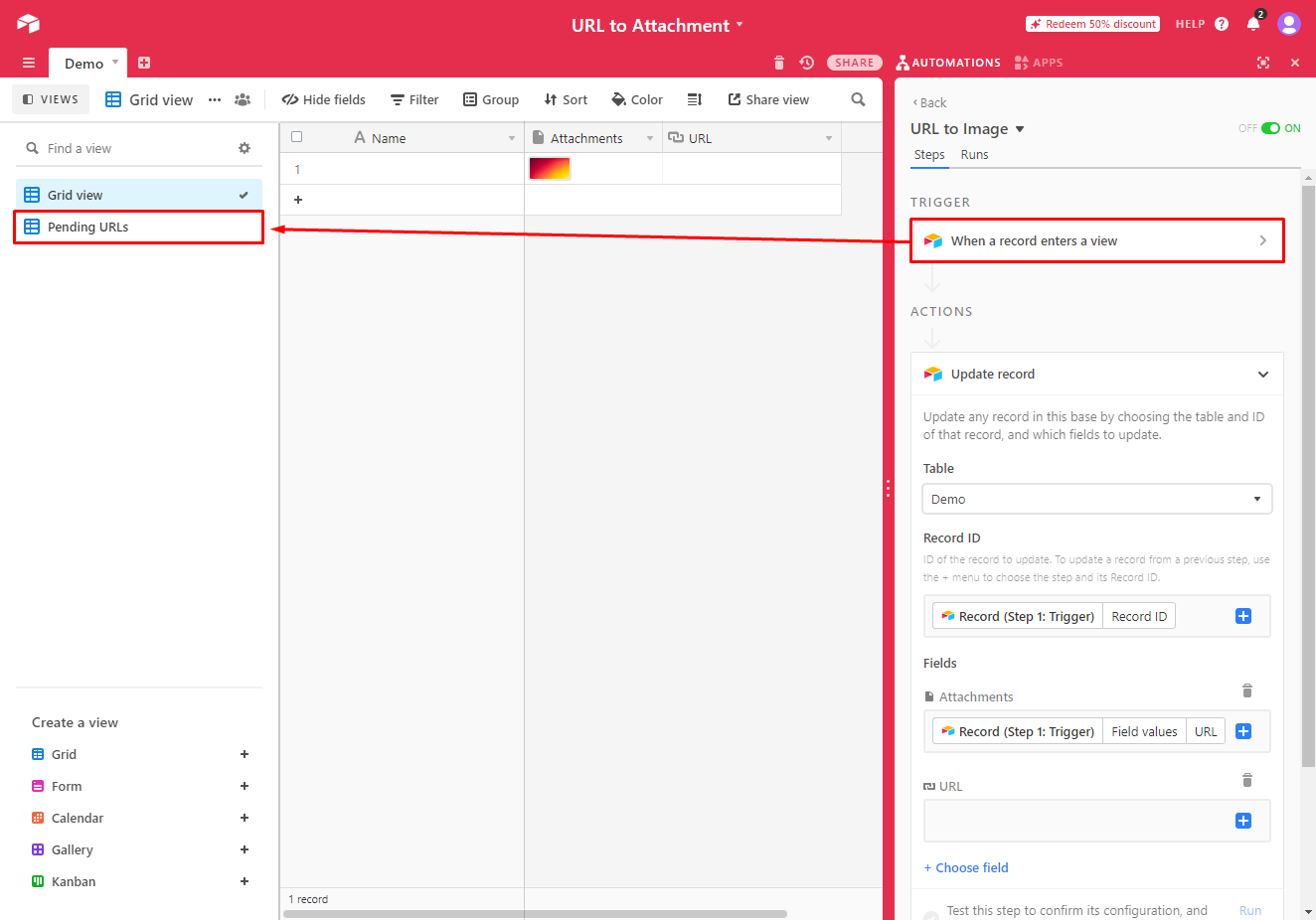
How did you get it to work? I, like many others in this chain, do not see any automations in the linked base.


matt_stewart1
Forum|alt.badge.img+17

@Florian_Verdon2... this is amazing, didn't realize how easy this was. However, for some reason sortable is converting my attachment to a ".ashx" file. If I click on url directly it downloads as SVG, but using the url in attachment field via automation attaches as an ".ashx". It appears normal, and when I download to computer I can rename to ".svg" and it will then open normal. However it requires additional operations. Any thoughts on how to stop it from changing to .ashx?