


Hey there Builders! 👋
I just dropped a toolkit so you can vibe code your ❤️ out with Airtable's Custom Interfaces. It’s made building custom interfaces unbelievably faster for me.
Custom Interfaces let you build dashboards, forms, charts, and interactive tools that live right inside your base. They're incredibly powerful, but they require React code. Though with the help of Claude and this toolkit, this isn't really a problem anymore for my non devs. Vibe code away! 🚀
The toolkit has two parts:
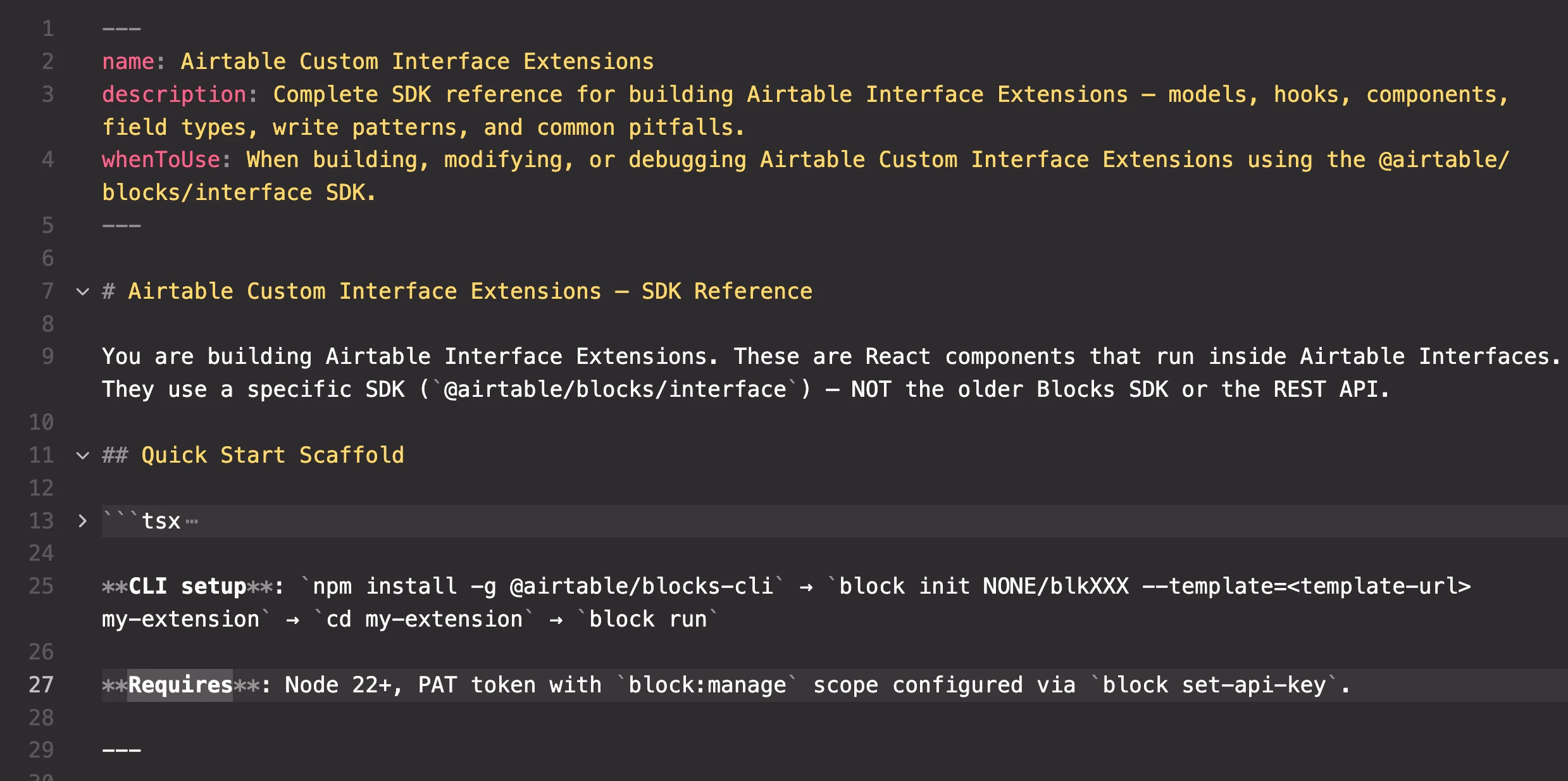
1. An SKILL.MD file that teaches Claude (or any coding assistant) how to code with entire Interface Extensions: reading data, writing data, custom properties, every field type, dark mode, Tailwind setup, and common mistakes to avoid. Upload it to Claude Projects and you can describe what you want in plain English.
2. Reusable helpers for the patterns every extension needs: safe field access that doesn't crash on missing fields, linked record pills that match Airtable's native UX, inline field editing with schema-driven dropdowns, and a debug panel for the my #1 development headache (fields not being exposed in Interface Designer). The skill knows about these helpers and uses them when building your extensions.
Let me know if you have any questions or suggestions for improvements!
Made with ❤️. Get it here: https://github.com/victoriaplummer/airtable-interface-extension-toolkit