Question

Need Configuration Help

  • March 3, 2026
  • 3 replies
  • 57 views

Forum|alt.badge.img+1

I’ve been working with Airtable for a few months. I’m a DBA and operations manager so I’m not a novice but I also know my limits. I’m building a new relational DB in airtable to manage a small business I’m starting and given my time constraints I’m looking to outsource some of the initial design and configuration so I can maximize automations and reduce the burden of any manual work. Please comment if this is something you might be able to help with.

3 replies

TheTimeSavingCo
Forum|alt.badge.img+31
Hi ​@cassieTA , I'd be happy to help with this!  I do free half hour calls and here's a link to schedule one
 
I'm pretty active on the forums so you can get a grasp of how I work from my activity here as well as some reviews, and I've got a bunch of example projects that you can find here!

Alexey_Gusev
Forum|alt.badge.img+25

HI,
As former MSSQL DBA, I can summarize that some ‘old habits’ are not useful in Airtable, and it is better to be done ‘in Airtable way’

Usually, you use Script Extensions for something that must be done for the whole table, when you can, for example, select table from dropdown table list, press Run and it doing it’s job.
Automations, on the contrary, often used as a watchdog to react when some data changed/added, and basically it runs for a single record, where change occured, and it does not require any user interaction.
Hovewer, you can install button in your Inteface (Record Picker type) and make it run for selected record. Or you can set up procedure for a whole table, and make it run on a scheduled time, like daily table processing and report.
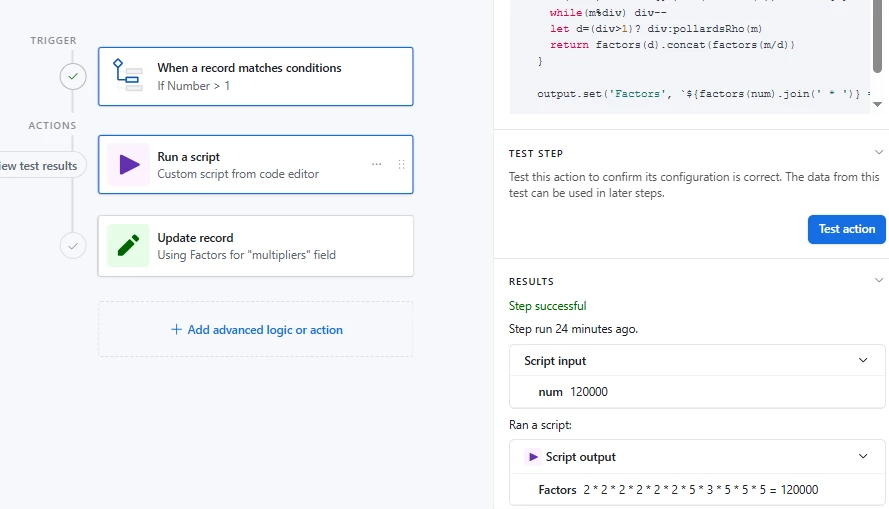
You may want to create a most part of it using built-in functions, install a small script step to do operation that can’t be done in other way, output it’s result via ‘output.set(“variable_name”, value)’ and continue using this value in further steps.


From start, I tried to find a way to use T-SQL for some operations, it’s not a good idea. Many things can be done in automations without code, using built-in operations. And Javascipt is more convenient and flexible for others.
In SQL, you can UPDATE Field1 in Table1  WHERE Customer=’Value1” for several records or just 
UPDATE Field1 in Table1 to update field in the whole table. However, here multi-record update operations are more time consuming. In scripts, they are done by batches 50 records at a time, at a speed like 50-100 records per sec.

Also, Joins in Airtable called Linking and work in a different way. You might want to create unique ID  value for record in each table, but in most cases, you don’t need to do that. Each record has it’s ID retrievable by formula or form record link, but it works ‘under cover’ and user don’t need to know or use it (except you are set up automation, where it is a most reliable way to link). Its very important to properly choose what you will use as a primary field. Note that you can swap fields any time and now it is possible to choose which field to use to display/link. 
It’s a long story, but understanding how linking works and how to solve typical beginner problems with it, is a key to succesfully build your base.


nroshak
Forum|alt.badge.img+10
  • Inspiring
  • March 9, 2026

relational DB in airtable


Seconding what ​@Alexey_Gusev said. I’m a former Oracle DBA, and Airtable is not a relational DB and won’t respond well to being treated like one. It really is more like a series of spreadsheets with triggers (automations) and cross-sheet relationships added on.

This may drive you crazy until you get used to it. For example, there is no way to do a simple SQL operation like “UPDATE table WHERE (conditions).” Instead you need to do some monkeying. One way is to add a checkbox column for “update this row”, create an automation that updates rows that have the box checked, create a view that shows only the rows WHERE (conditions), and check all those rows. Then Airtable will update them… slowly… one by one.

However, the upside is that it is really stupidly easy to create clear and usable interfaces, and Airtable is good for applications best organized as a series of interconnected spreadsheets… like managing a small business. 

You might find a template to get you started in Airtable’s template catalog: https://www.airtable.com/templates or in Airtable Universe: https://www.airtable.com/universe 

Best of luck with your project!

-Natalka