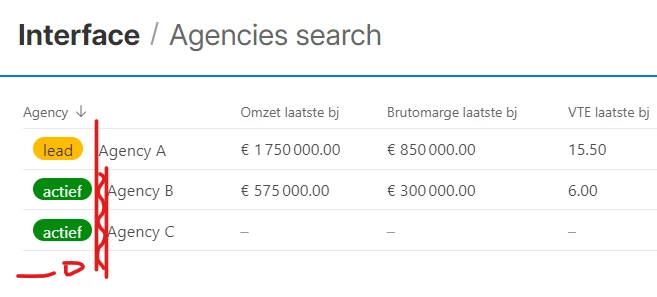
Alignment - or Fixed Sizing ability for Lists with Prefix showing in List in Interface

  • May 17, 2023
  • 6 replies
  • 42 views

RonniEloff_VKDe
Forum|alt.badge.img+19

So I am creating a Daily list of activities/clients to as a prototype to show the client an idea for better workflow

In Edit mode
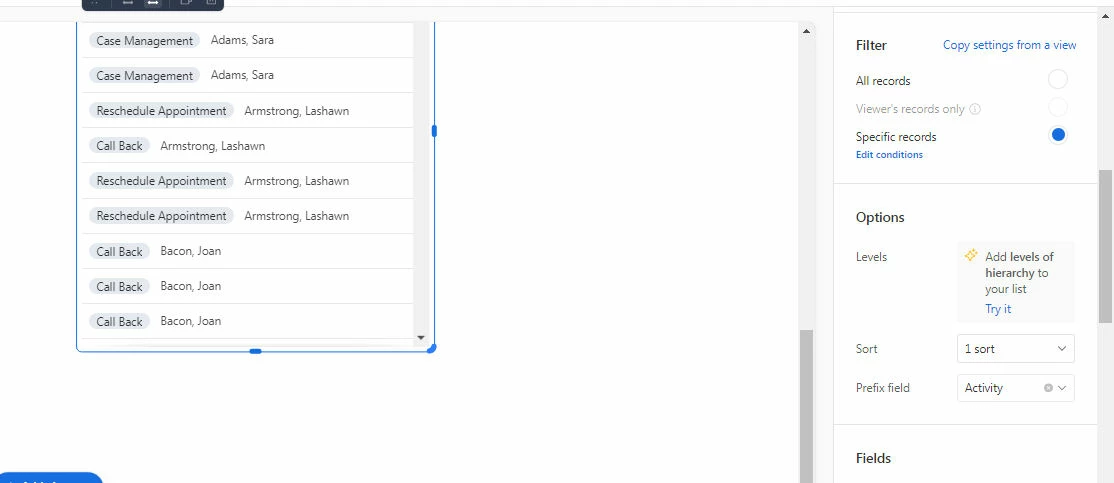
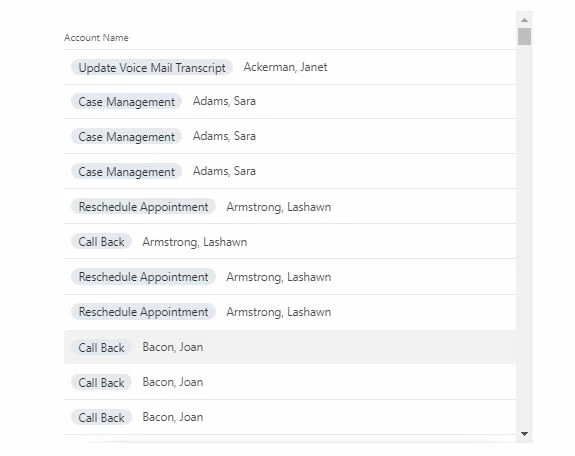
In Published mode - as you can see It would be really nice if I could adjust the width of the column for Account name so the Activity and Account Name are properly aligned instead of this.

 

6 replies

DavidW
Forum|alt.badge.img+6
  • Employee
  • May 19, 2023

Hi @RonniEloff_VKDe ,

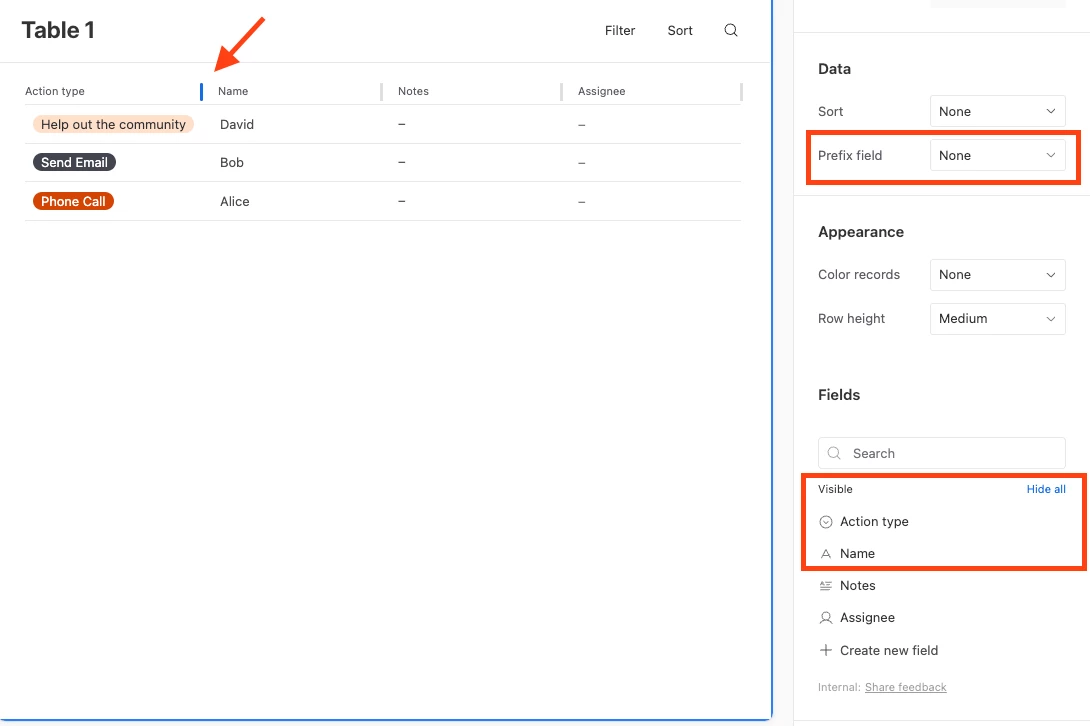
Instead of using a prefix field in this case, you can instead put your select field as your first visible field. I've included a screenshot to show what this configuration might look like.

To adjust the width of the column, hover your mouse near the column names while editing your interface (see the red arrow in the photo below).


Hope this helps!


RonniEloff_VKDe
Forum|alt.badge.img+19

Thank you so very much for that solution @DavidW  That works..

Is there anyway to keep the Table headers from scrolling (as in lock them at the top)

Scroll just a little bit and the header disappears


DavidW
Forum|alt.badge.img+6
  • Employee
  • May 22, 2023

Glad to hear the resizing solution worked for you!

> Is there anyway to keep the Table headers from scrolling (as in lock them at the top)

Not yet, but we're actively considering this. We'll try to respond on this related thread when we have more details:"Sticky header in list view" 


Databaser
Forum|alt.badge.img+25
  • Brainy
  • January 13, 2024

But, what's the point of a prefix then? I agree it should be possible to allign the prefix field. 


DavidW
Forum|alt.badge.img+6
  • Employee
  • January 16, 2024


But, what's the point of a prefix then?


We intentionally simplified the feature set of prefix fields to make them simpler to interact with. It's best used for short values where you don't need additional context (such as the name of the field) to know what it represents. Some platforms (e.g. mobile) may handle and render prefix fields differently than other fields for the same reasons.

For use cases where you want to resize the column and show its name, the same field can be ordered first in the visible field list to get similar effects.


Databaser
Forum|alt.badge.img+25
  • Brainy
  • January 17, 2024

Well, I can only appreciated Airtable employees taking the time to answer community questions 💪