

Important note: Today’s challenge will utilize interactive prototypes. This feature is currently only available in AI Labs, so be sure to turn this on before getting started. Learn more about this feature and AI Labs here.
🎁 Welcome to Day 5 of the 12 Days of AI Plays!
Today we’re heading into one of the busiest corners of Santa’s operation: the Packages table — home to boxes, bows, gift tags, and all the metadata needed to keep holiday deliveries moving smoothly.
Your challenge focuses on AI-powered UI prototype generation to design the perfect digital workstation for Santa’s packaging crew.
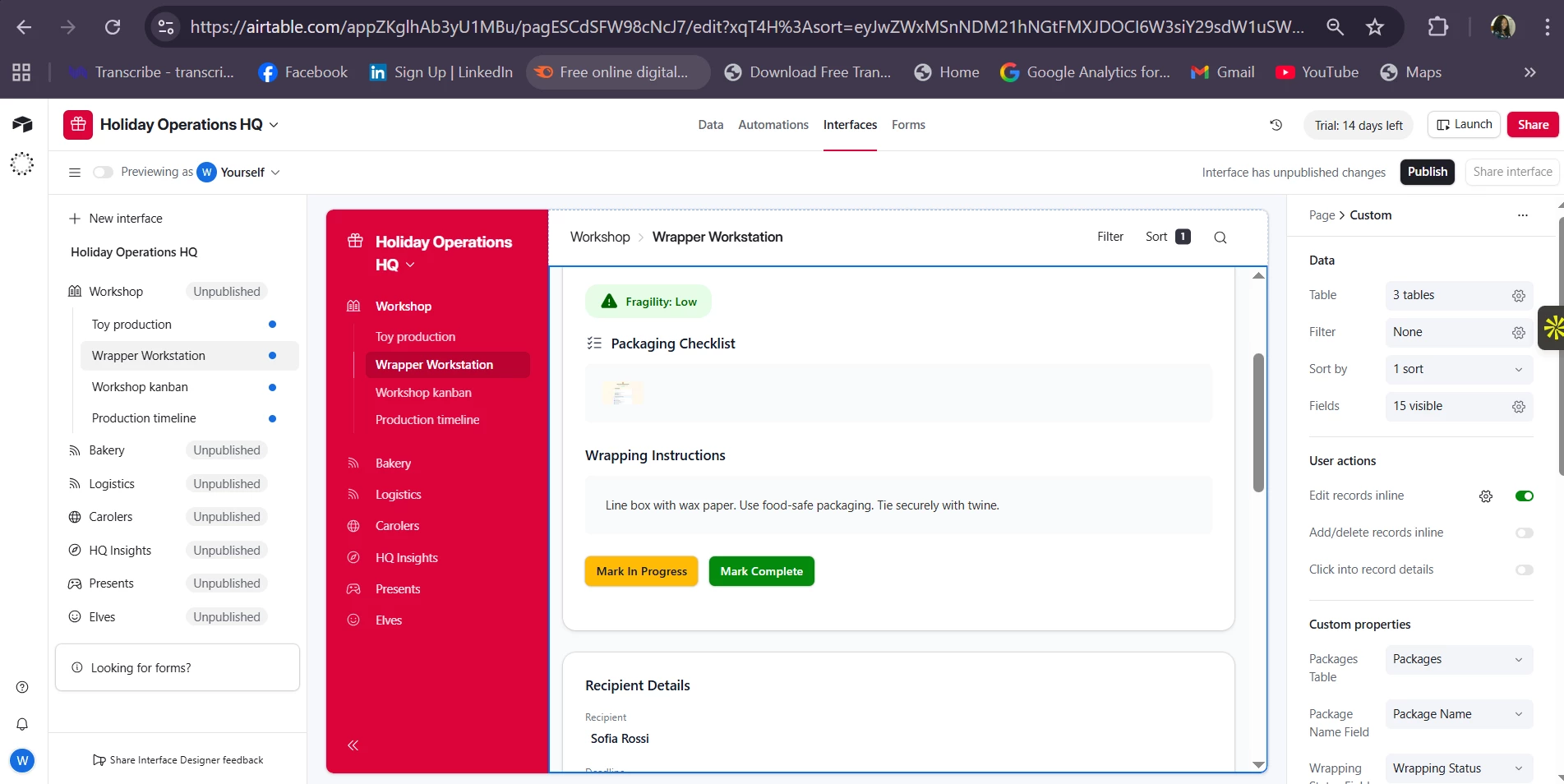
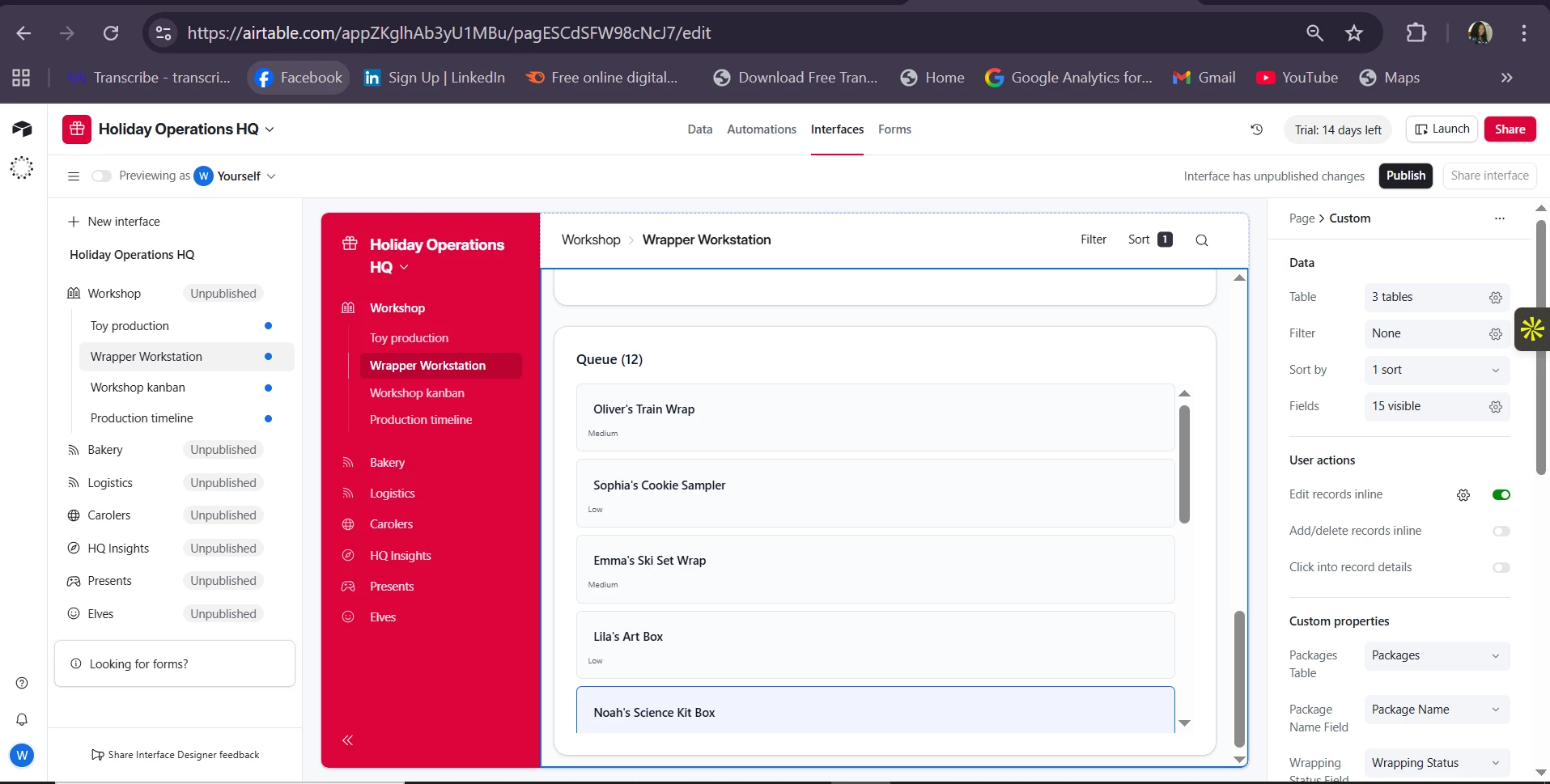
Get ready to imagine what the ideal Wrapper Workstation interface should look like — and have Omni turn that vision into a proposed Airtable Interface layout.
Your Mission
-
Open your copy of the Holiday Operations HQ (or make a copy here)
-
Navigate to the Packages table.
-
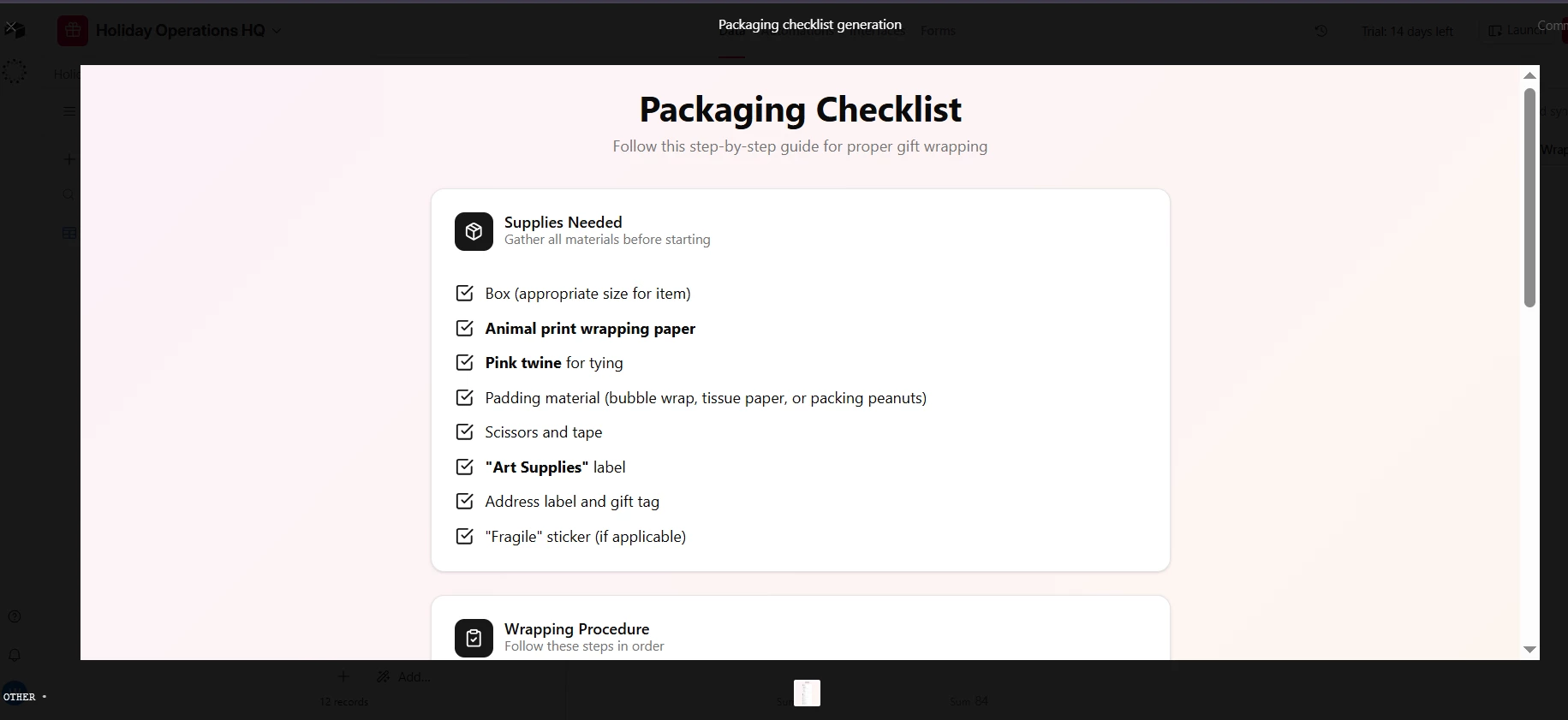
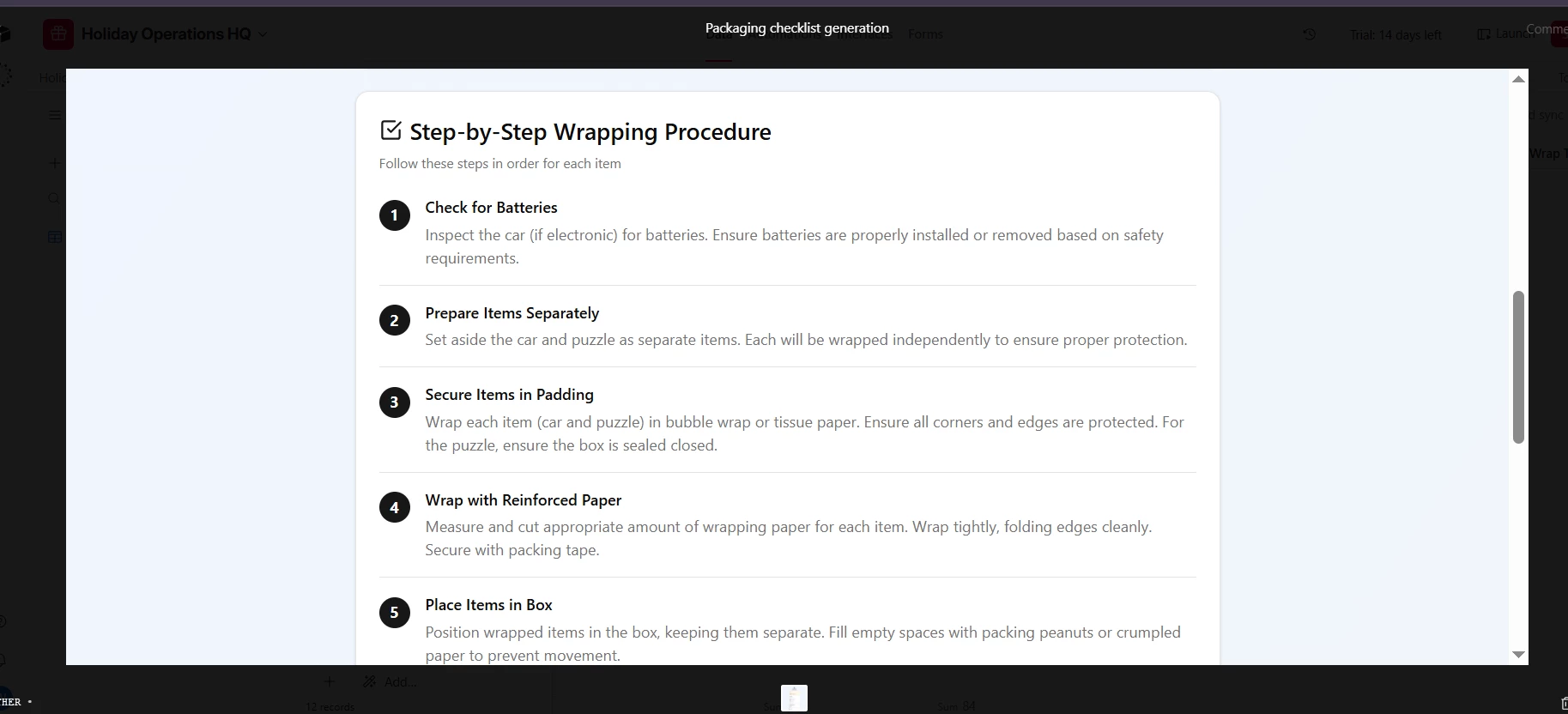
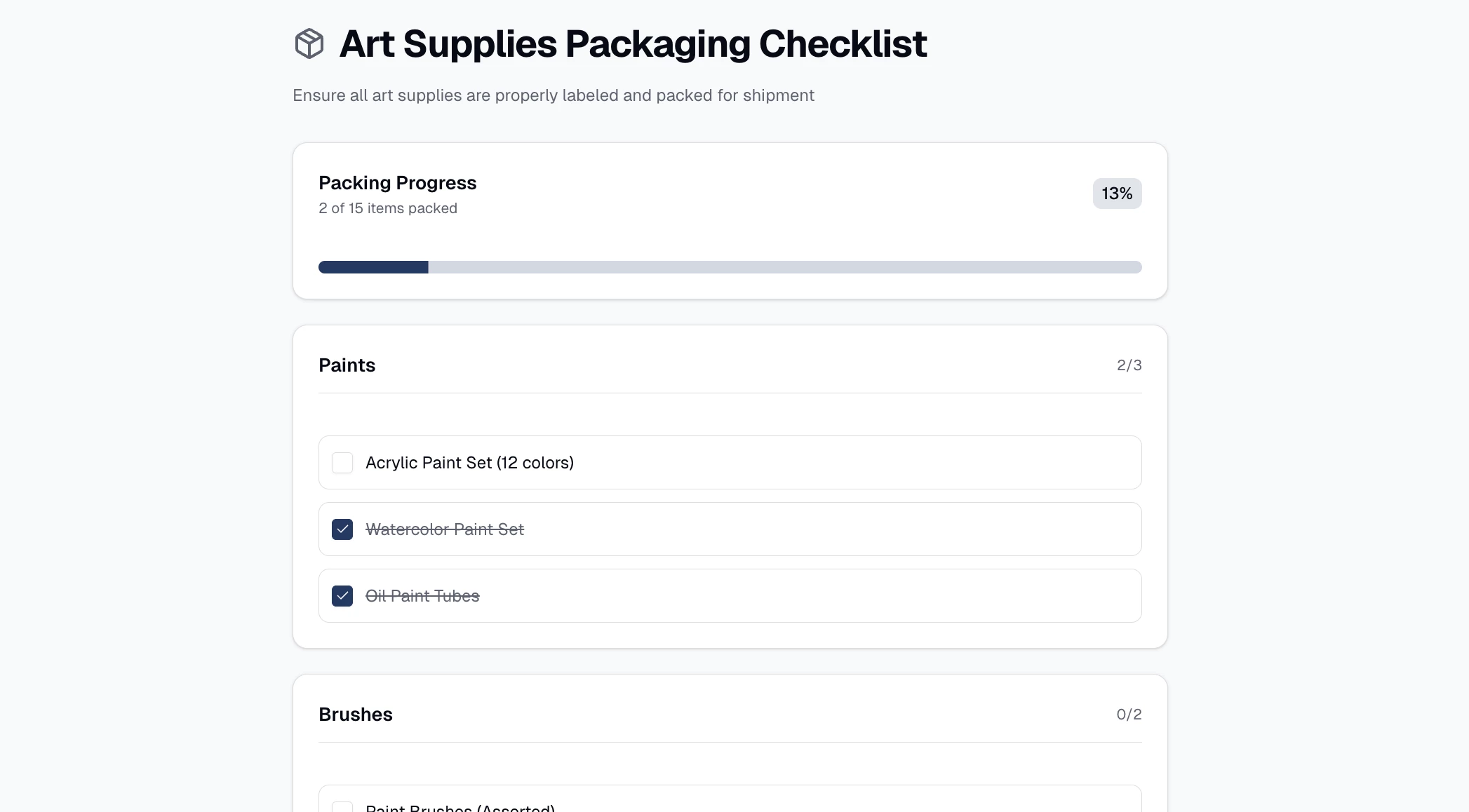
Add a new “Build prototype” field agent to create a prototype based on the AI Wrapping Instructions and AI Packaging Notes fields.
Your Challenge
Step 1: Describe Your Dream Wrapper Workstation
Add a new “Build prototype” field agent to the Packages table to create a prototype. In your prompt be sure to:
-
Select the AI Wrapping Instructions and AI Packaging Notes fields for the agent to reference
-
Try asking for a packaging checklist, supplies checklist, or a prototype with a progress bar to track the steps needed to complete the package.
-
Name your field agent “Packaging checklist prototype”
Hint: Experiment with using AI to write your prompt by using the “Edit with AI” button in the bottom left corner of the agent window
Step 2: Generate the Interface Layout with Omni
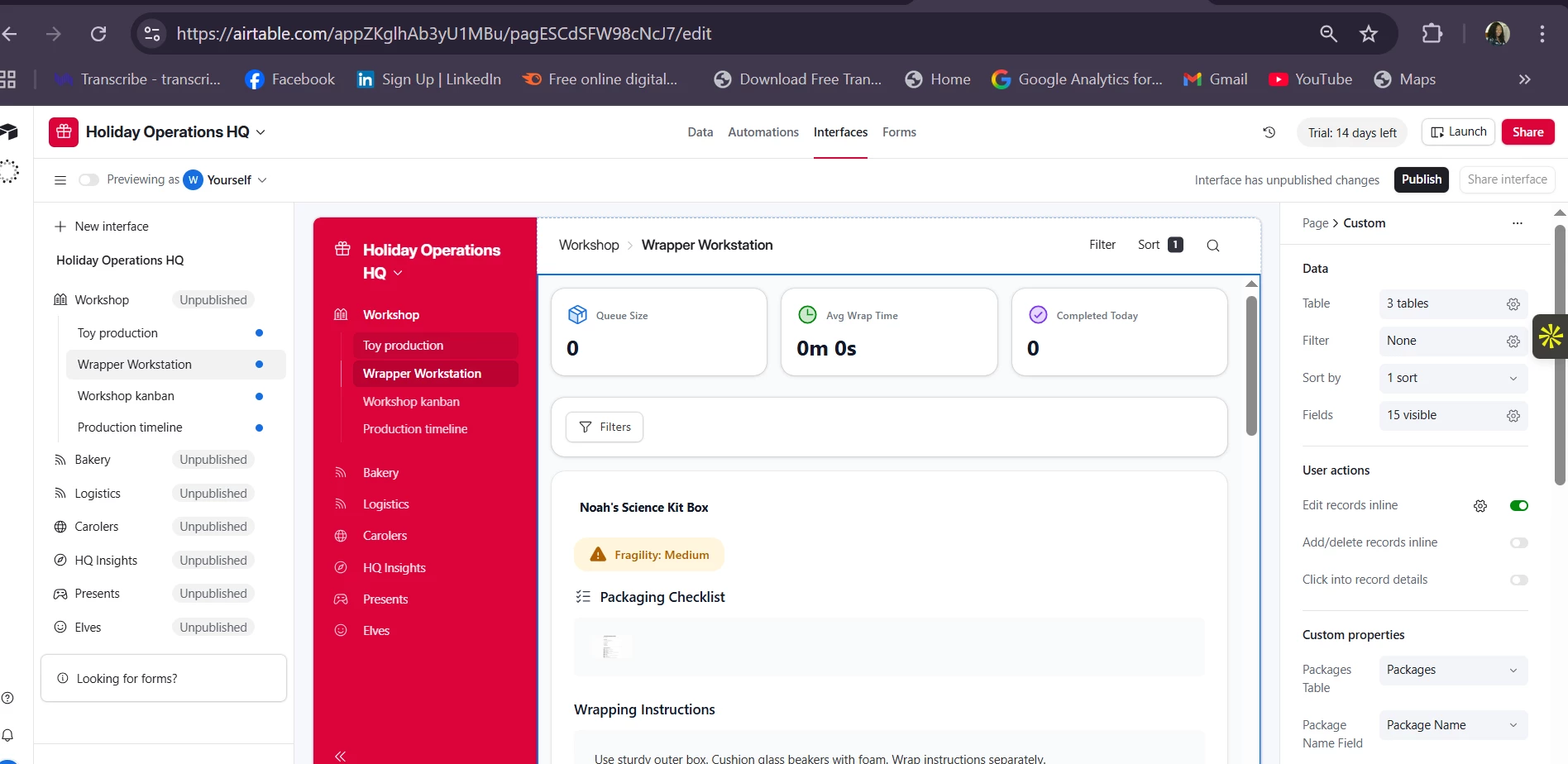
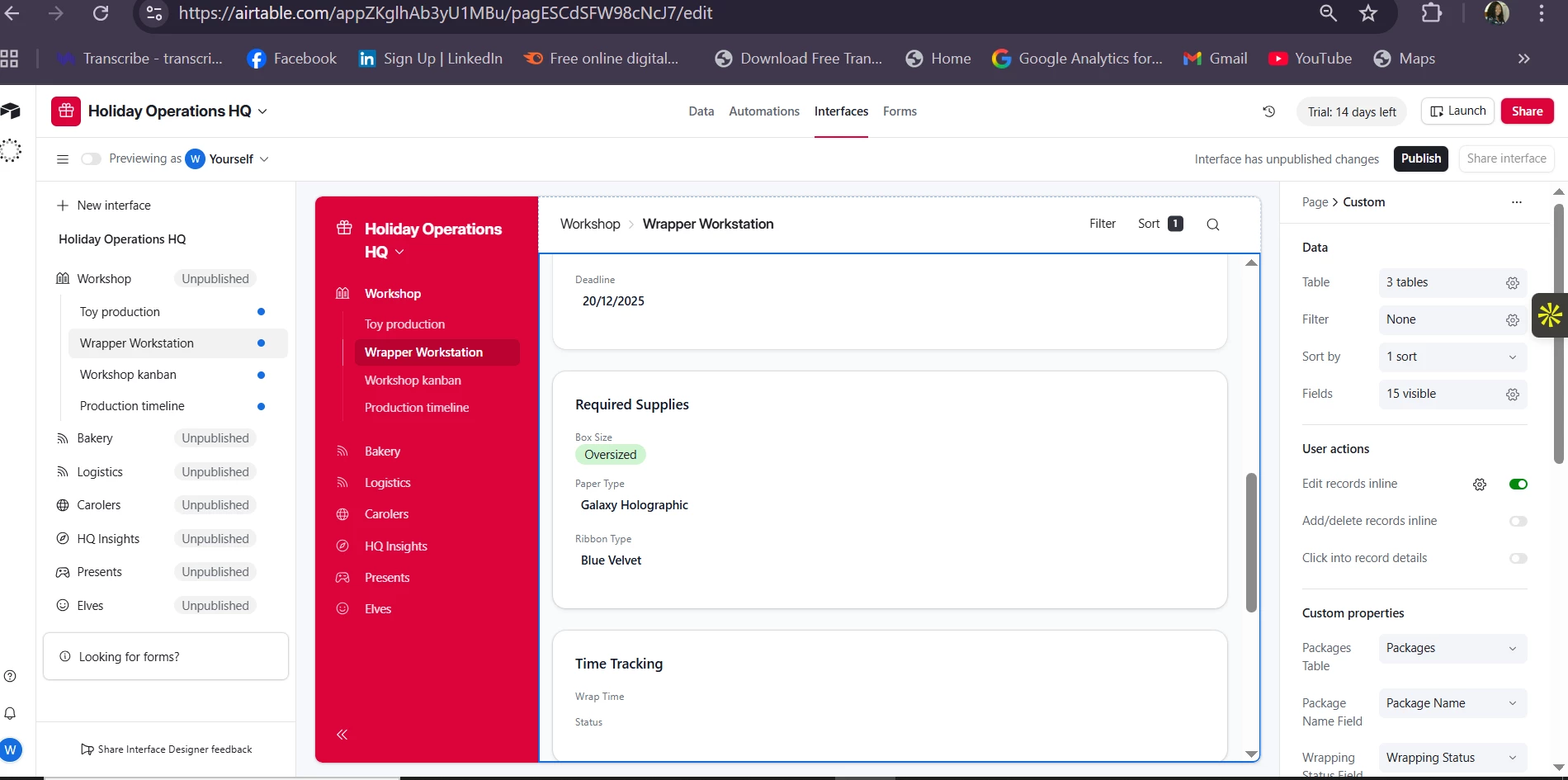
Prompt Omni to convert your prototype into a proposed Airtable Interface layout.
Try something like:
“Using the Packaging checklist prototype field, generate a proposed Airtable Interface layout for a ‘Wrapper Workstation.’ Include recommended sections, components, KPIs, filters, and suggested interactions.”
Or refine it further:
“Focus on efficiency during peak season and show only the most critical metrics for high-volume wrapping days.”
Let Omni propose layout details such as:
-
Status tracking components
-
Materials panels
-
Wrap-time KPIs
-
Risk or fragility highlights
-
Tools or shortcuts for wrapping steps
-
Record filters and views for workflow clarity
Step 3: Iterate Until It Feels Real
Modify your prompt and regenerate the proposal until you get a layout you could imagine the packaging team actually using.
Try requesting:
-
A cleaner layout
-
More detailed KPIs
-
A version optimized for mobile
-
A version tailored to novice wrappers vs. expert wrappers
Goal of Today’s Play
Today’s challenge highlights how Airtable AI can help you rapidly prototype straight from notes, instructions, and operational context.
This is incredibly useful when you're:
-
Designing new dashboards
-
Mocking up new features or workflows
-
Instantly generating web prototypes to visualize ideas
Or — in today's festive case — building the ultimate workstation for the North Pole’s packaging team.
Share What You Built!
Comment with:
-
Your workstation notes
-
The interface layout Omni generated
-
Any creative KPIs you added
-
Your iterations and refinements
Can’t wait to see the wrapping workstations you dream up. Onward to Day 6 tomorrow! 🎄✨